Dashboard
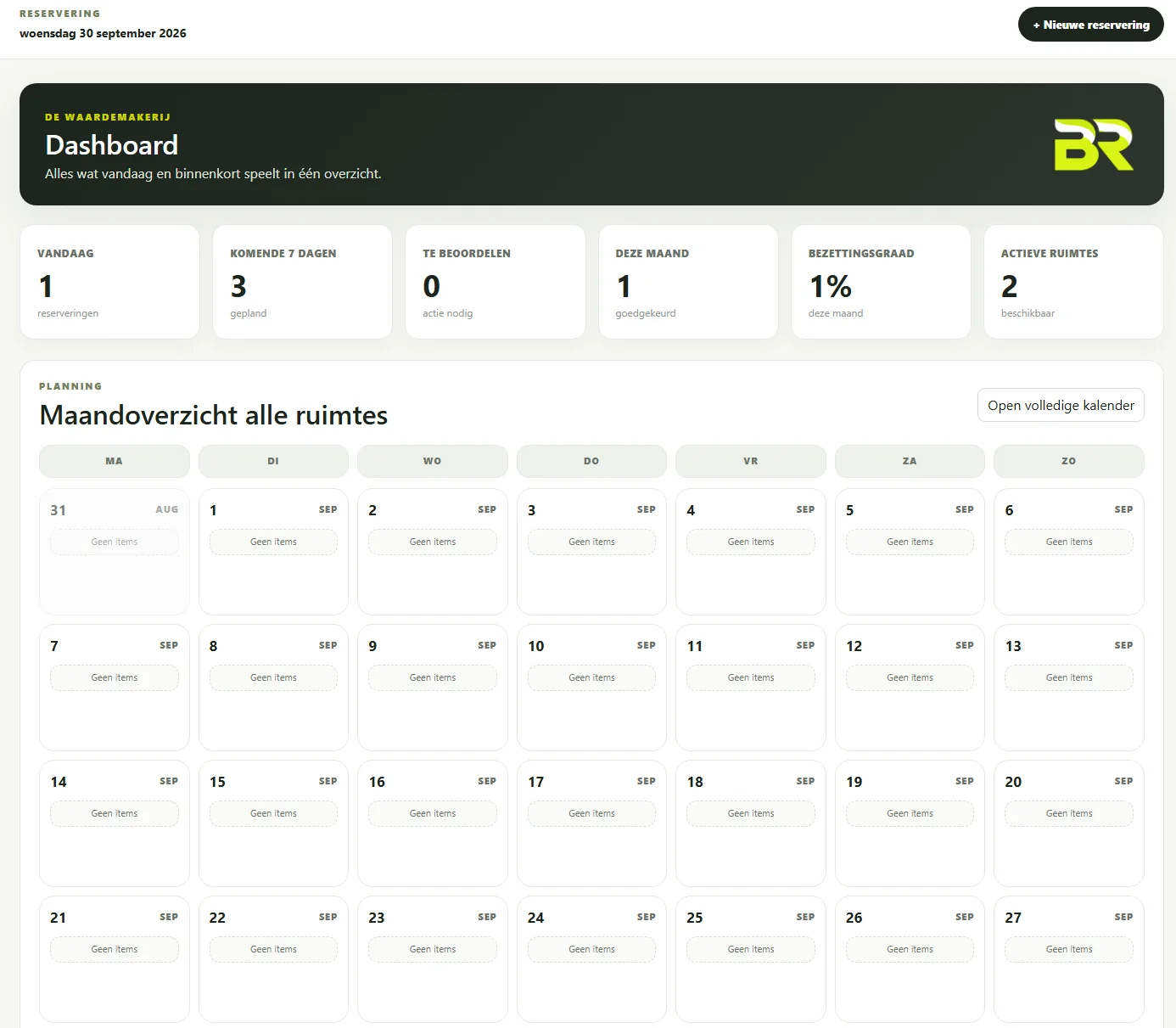
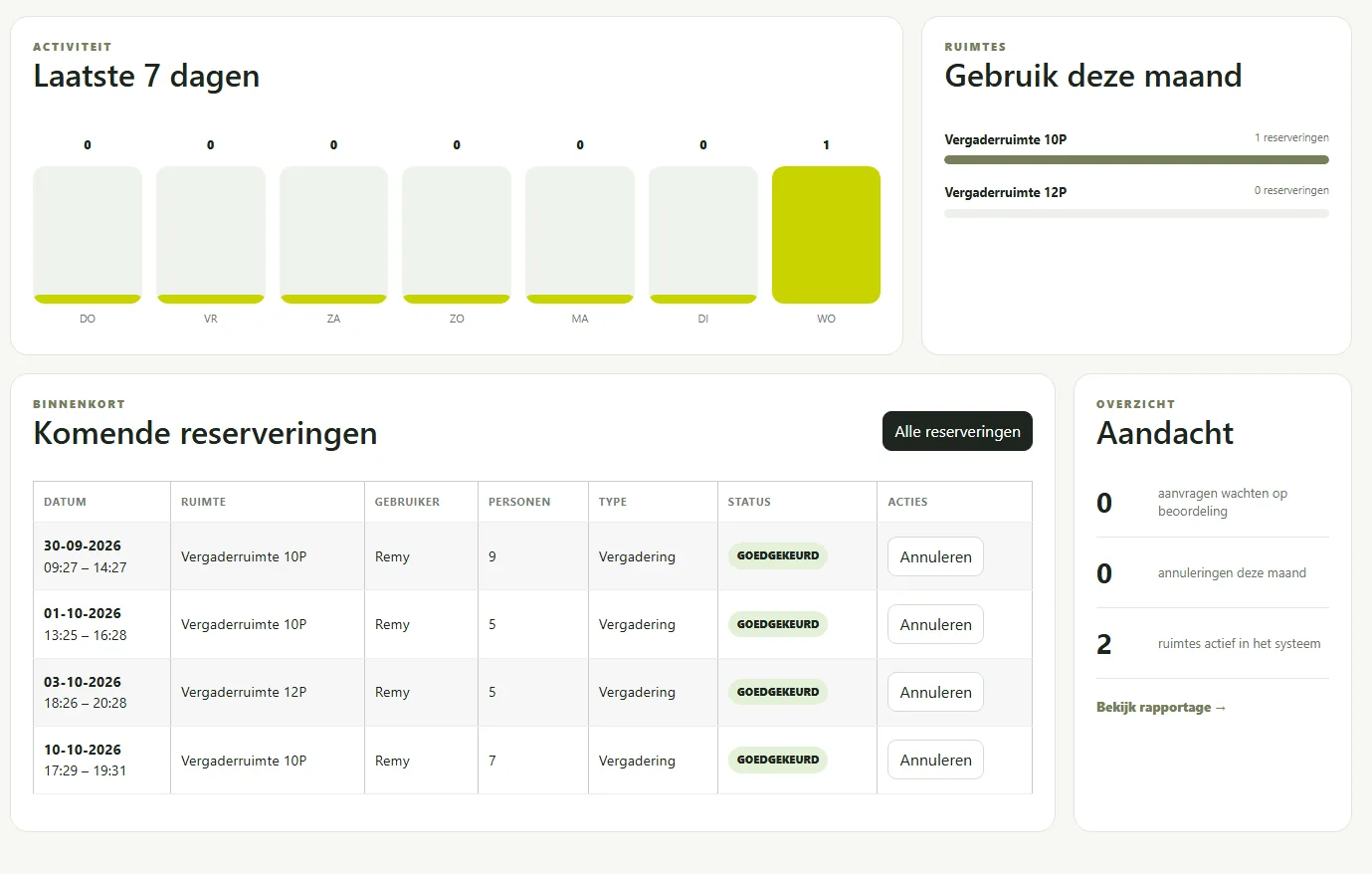
KPIs for today, upcoming bookings, occupancy, active rooms and items that need attention.

Buzmedia Room (BR) is Buzmedia’s room reservation platform for meetings and shared spaces. Manage rooms, guests, availability, requests, calendars and door displays from one clear environment.
BR combines day-to-day administration with a simple guest portal. Administrators stay in control while visitors quickly see which room fits and when it is available.
KPIs for today, upcoming bookings, occupancy, active rooms and items that need attention.
Review, approve, reject and cancel requests while managing the complete schedule.
Manage guest accounts and invitations, and view upcoming and previous reservations per guest.
Week and month planning with all rooms, bookings and blocked periods in one visual overview.
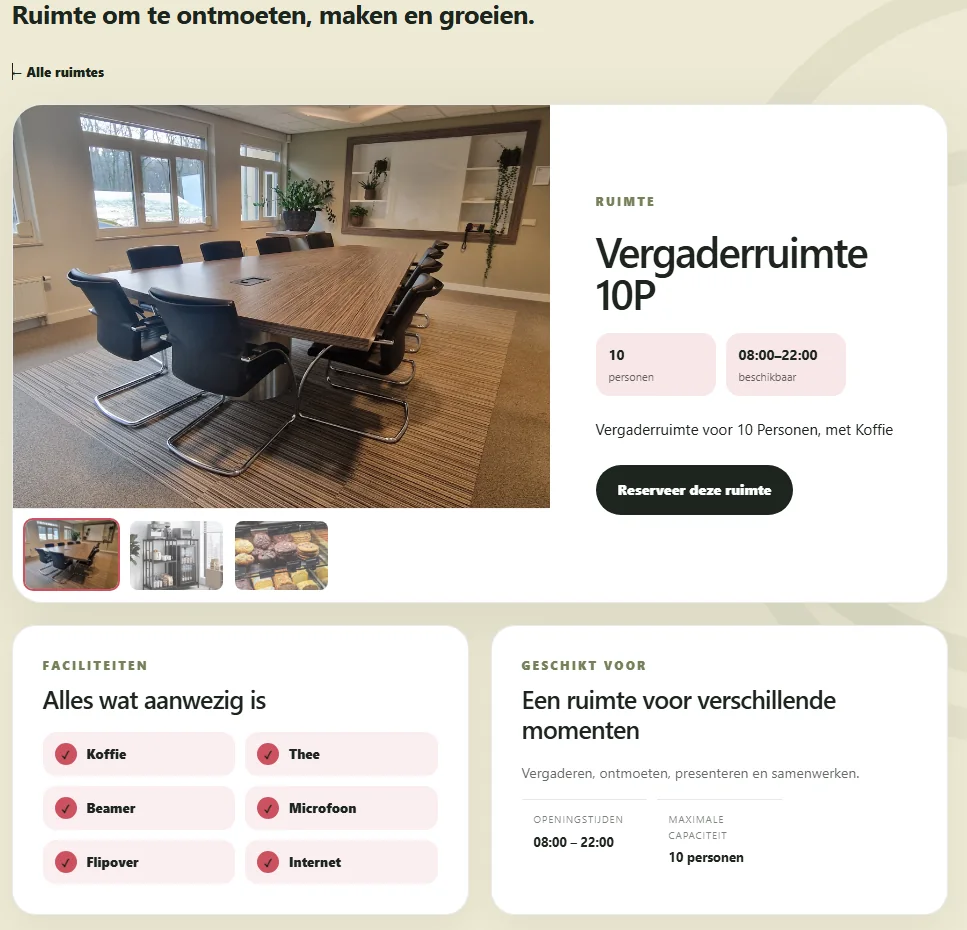
Manage capacity, description, facilities, opening hours, photos and additional room information.
Block time slots in which a room must not be reserved.
See usage, occupancy, booking numbers and items requiring attention.
Connect a live room display with a unique screen URL, QR code and JSON/API per room.
Manage client name, platform name, workflow, email settings and the My Buz licence centrally.
Add capacity, opening hours, facilities, photos and any blocked periods.
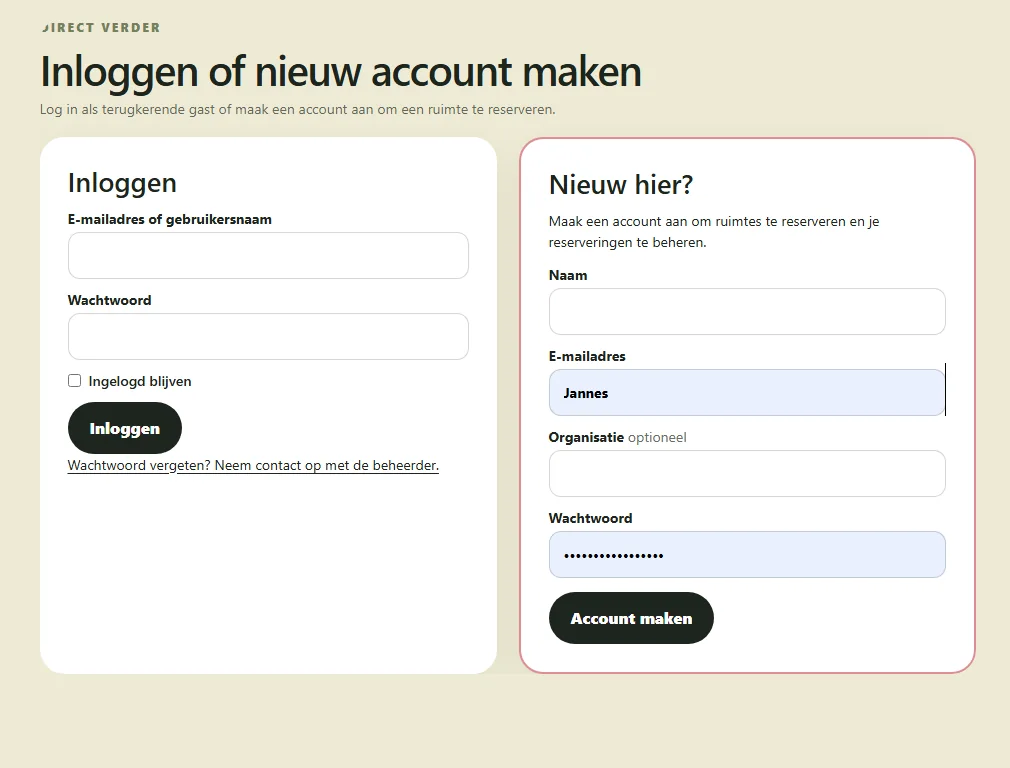
A guest selects a room, checks availability, signs in or creates an account and submits the reservation.
Use direct approval or require an administrator to review reservation requests first.
Pair an Android display with the room and show live availability, the current reservation and the next booking.
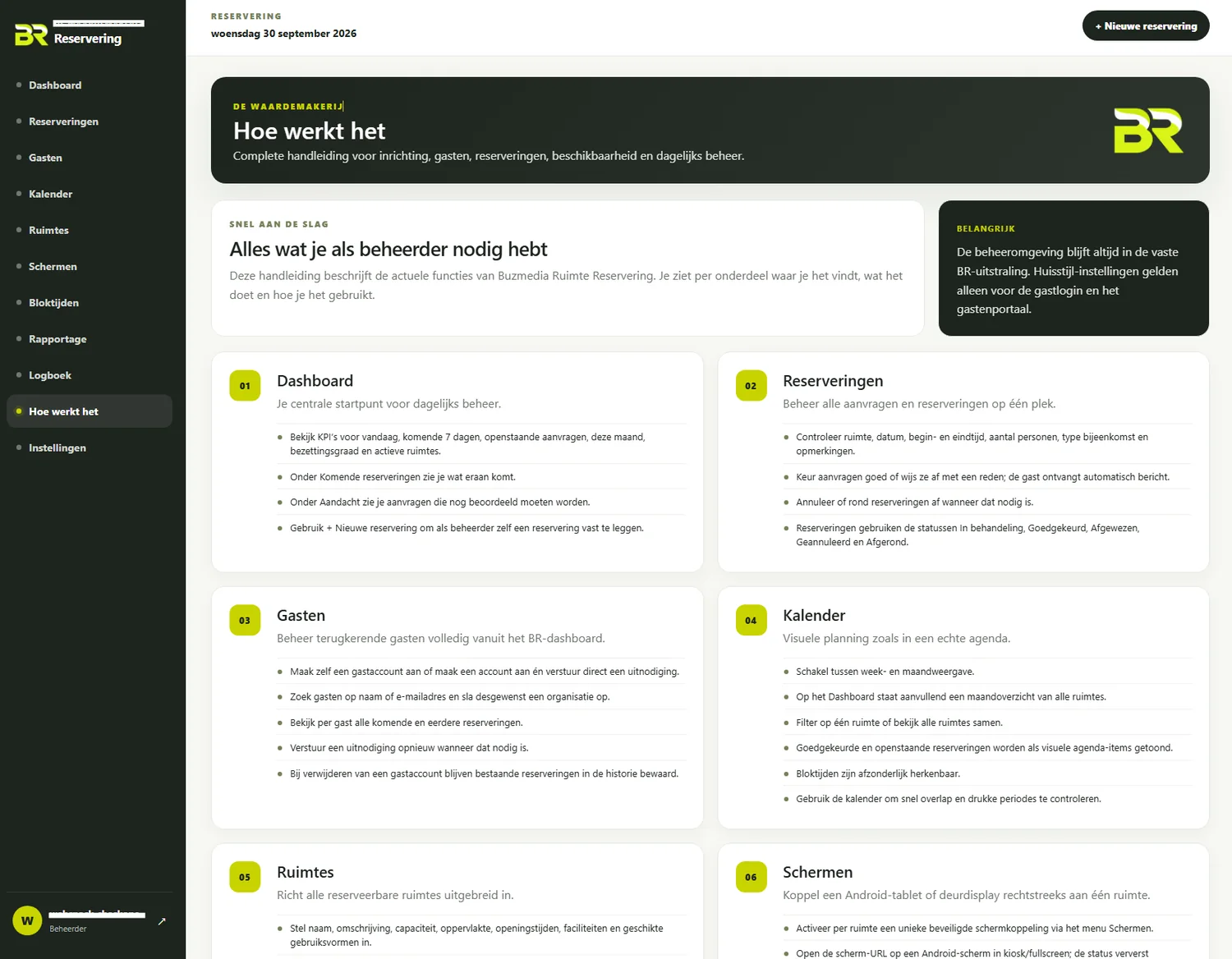
The dashboard combines planning, occupancy and upcoming reservations. The fixed navigation provides direct access to reservations, guests, calendar, rooms, displays, blocked periods, reporting, logs and settings.
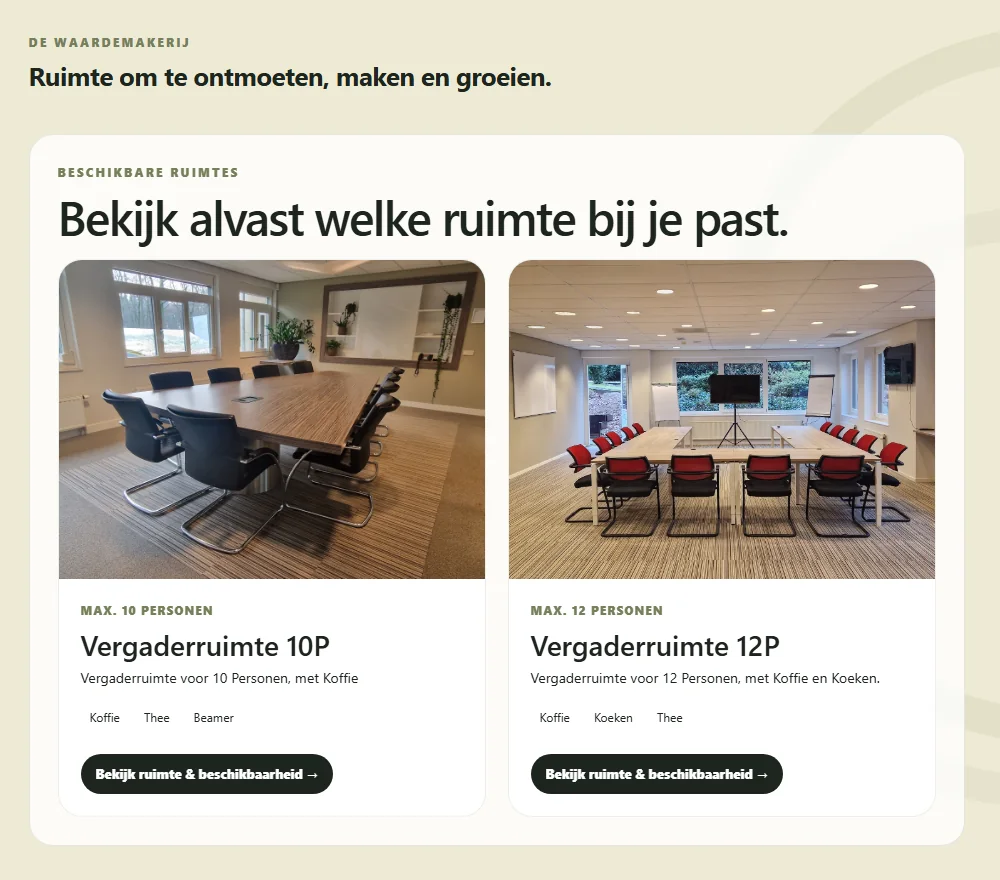
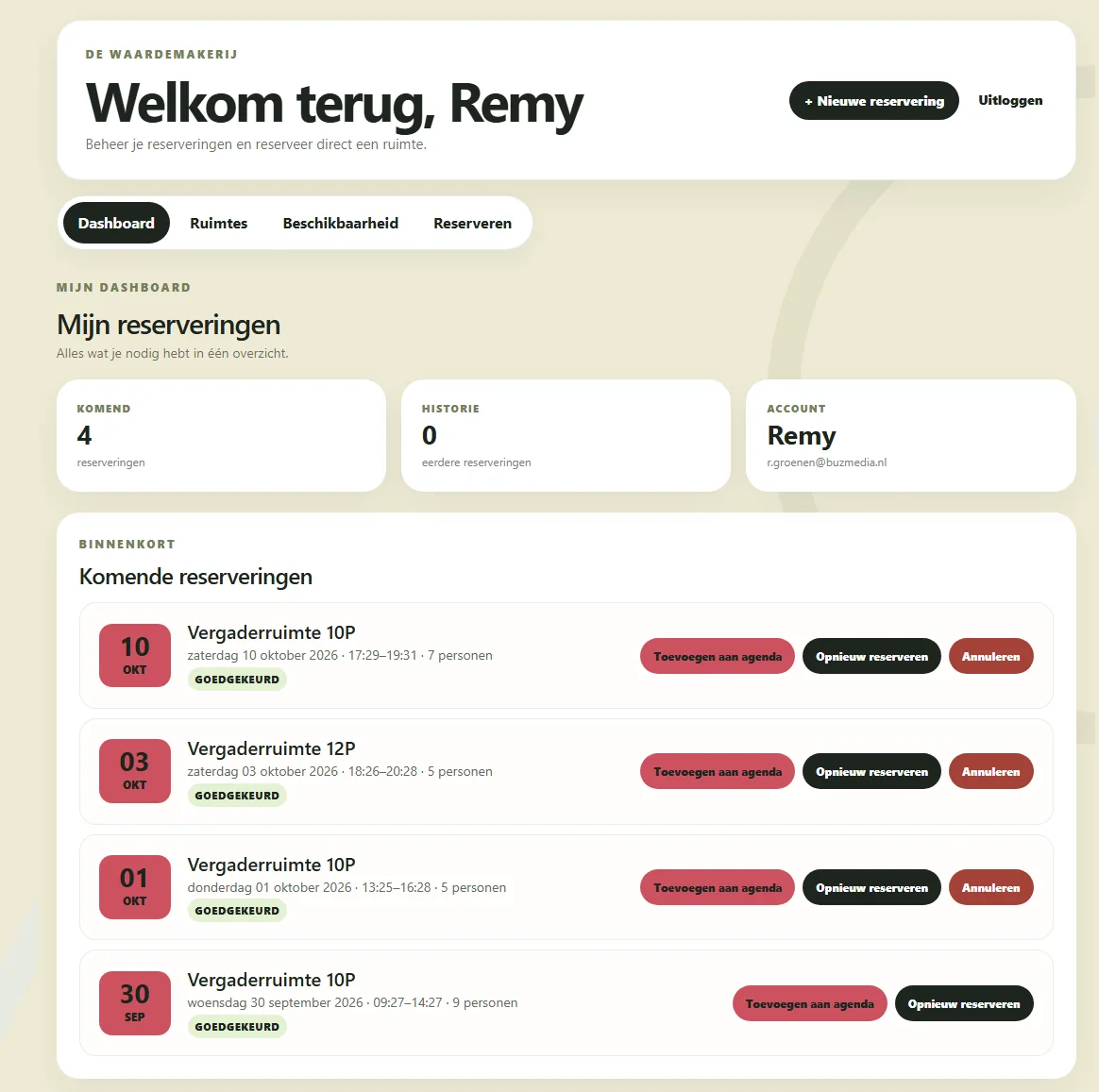
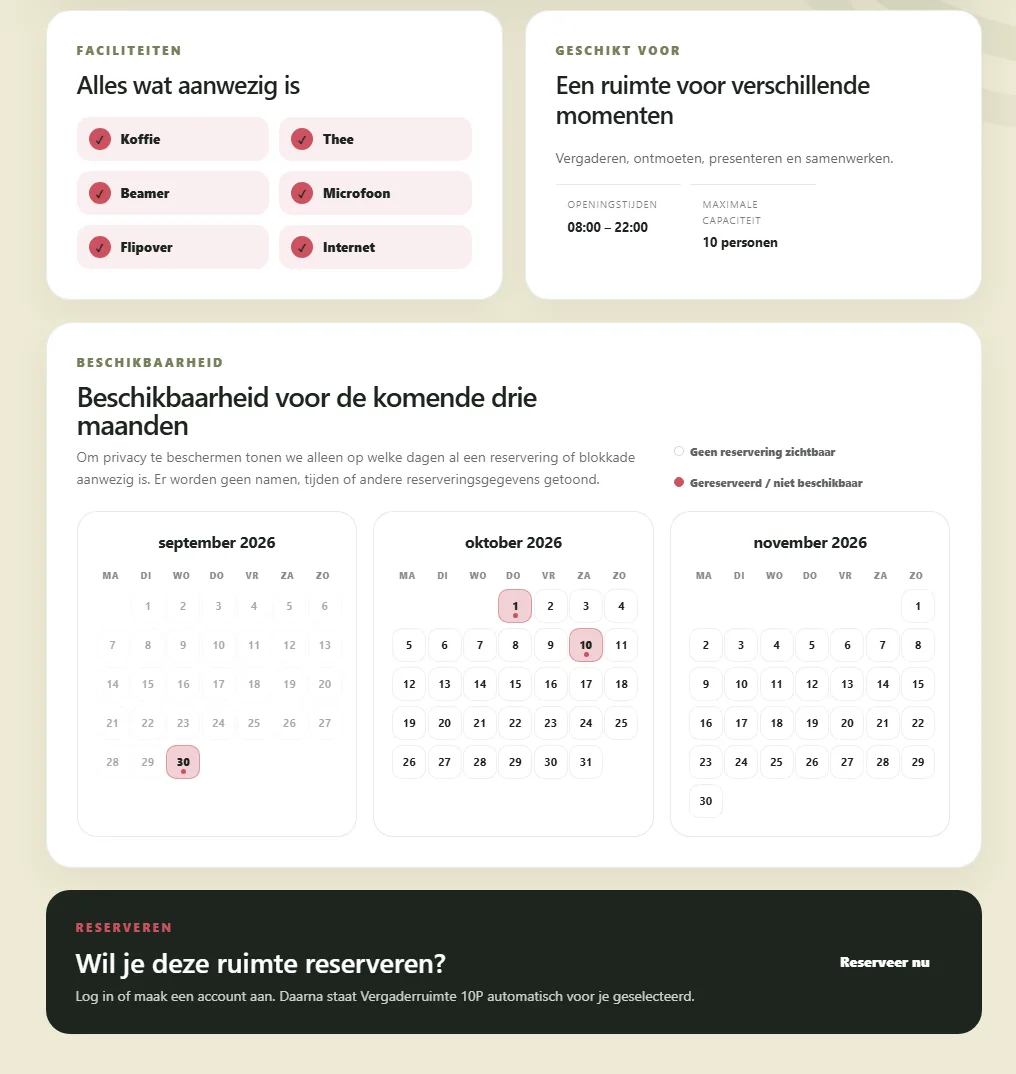
Visitors browse rooms and facilities, see availability for the coming months and reserve through their own account. In the guest dashboard they can review upcoming bookings, book again, cancel and add reservations to their calendar.
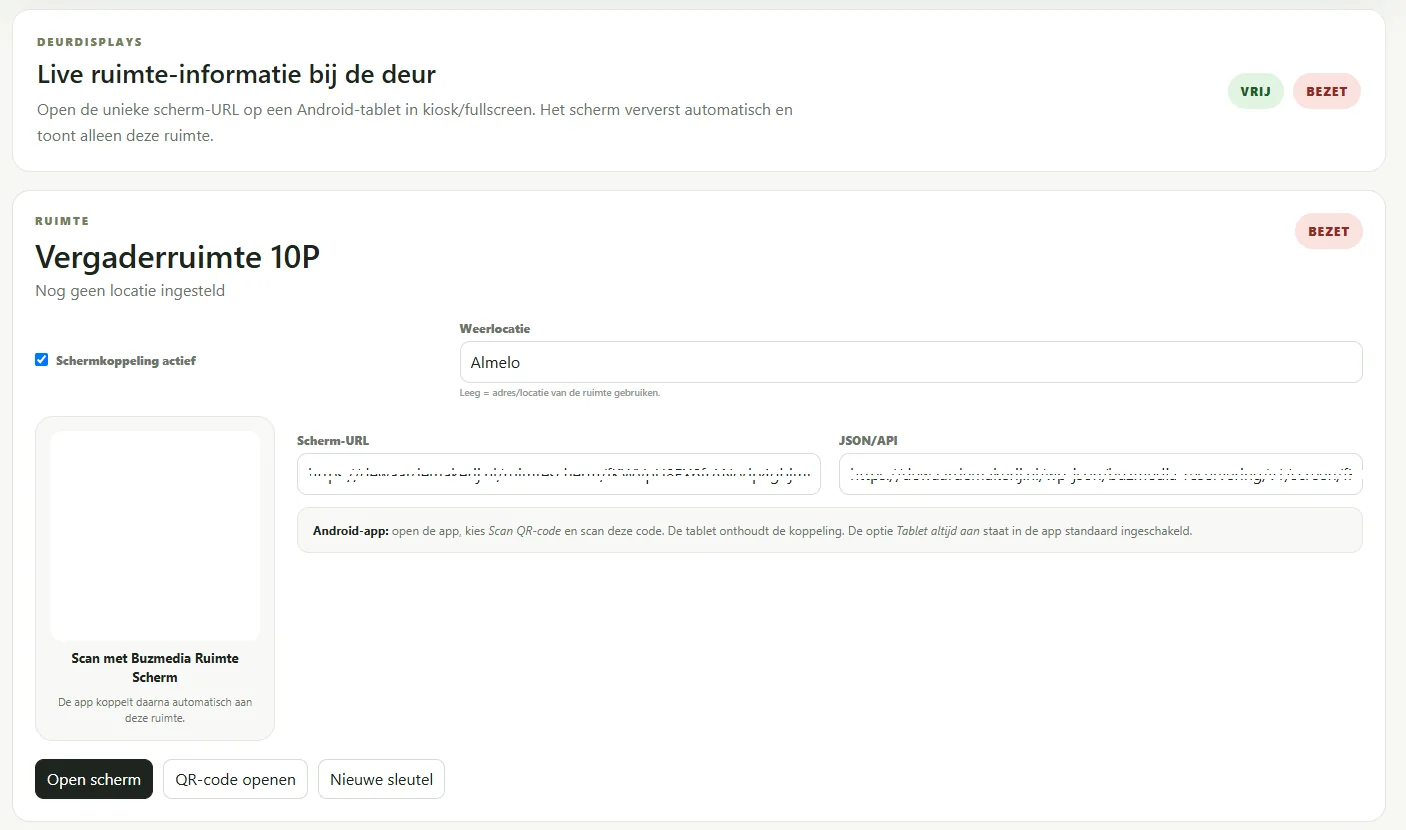
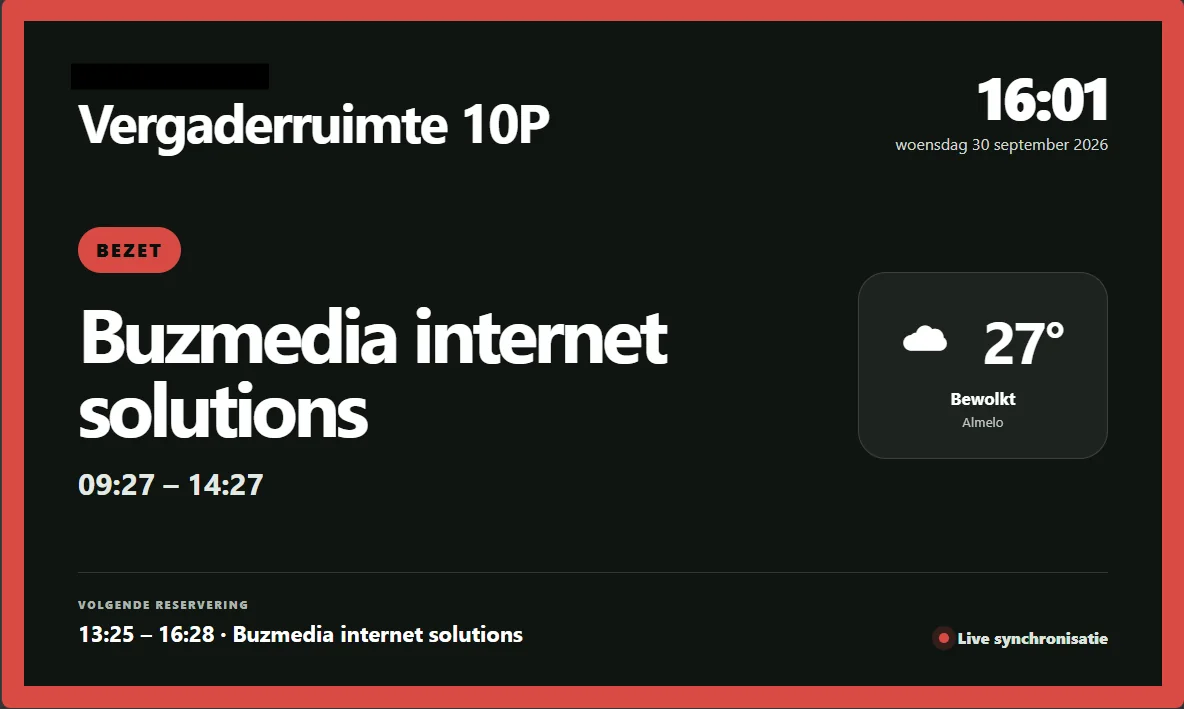
Each room can be paired with its own display. The Android app scans the QR code and remembers the pairing. The display shows live availability, the current or next reservation, time and weather information and refreshes automatically.
We will gladly show how Buzmedia Room can be configured for meeting rooms, consultation rooms, training spaces or other shared spaces.
Leave your details and we will contact you to discuss your situation, requirements and the possibilities.